Support for your

Cooktop

Cooktop

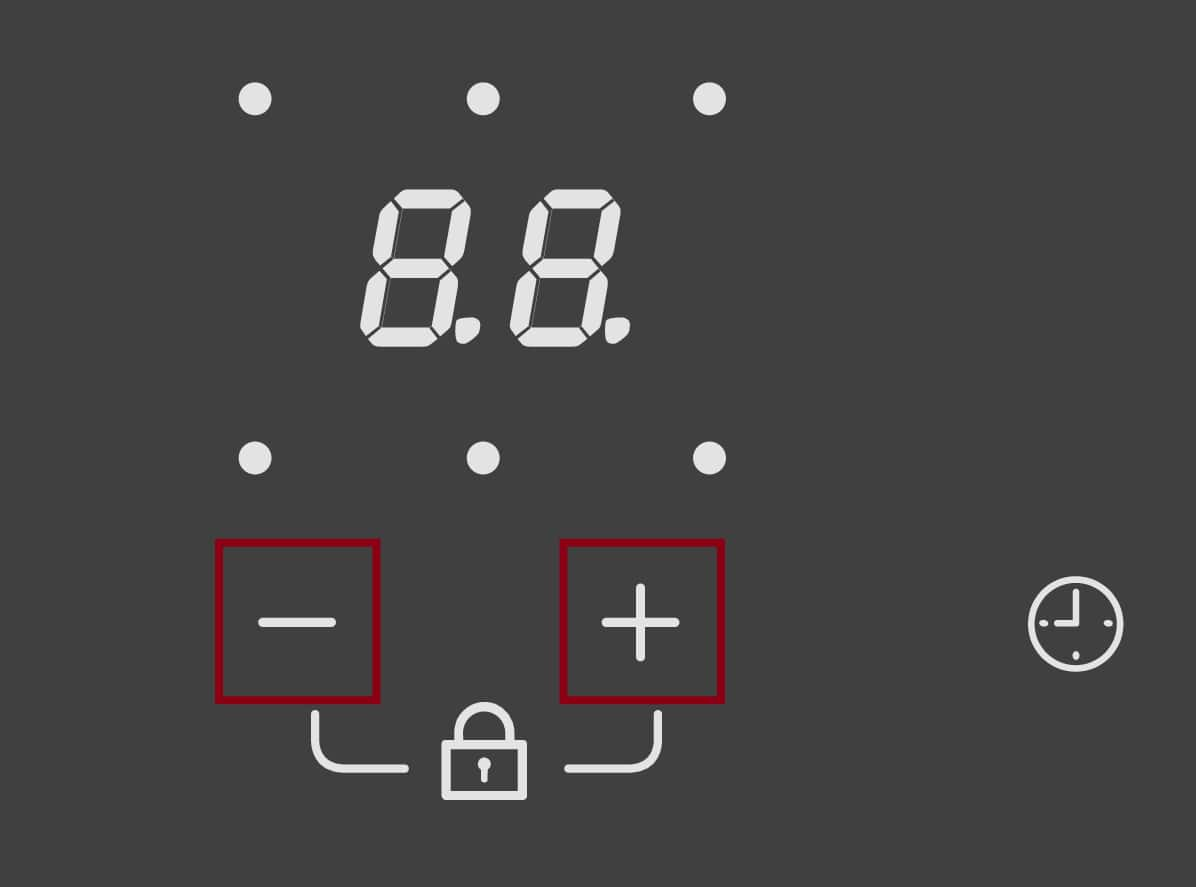
LC on the display

LC appears on the hob display. The hob function does not work.

The system lock/safety lock is activated. (Induction hobs)

  • System lock: the hob cannot be switched on.

  • Safety lock: the hob can be operated only under certain conditions.

Depending on the control elements of your hob, there are different ways to deactivate the system lock/safety lock. Refer to the operating instructions for your hob or, depending on the control elements, deactivate the system lock/safety lock using one of the following sensor control combinations:
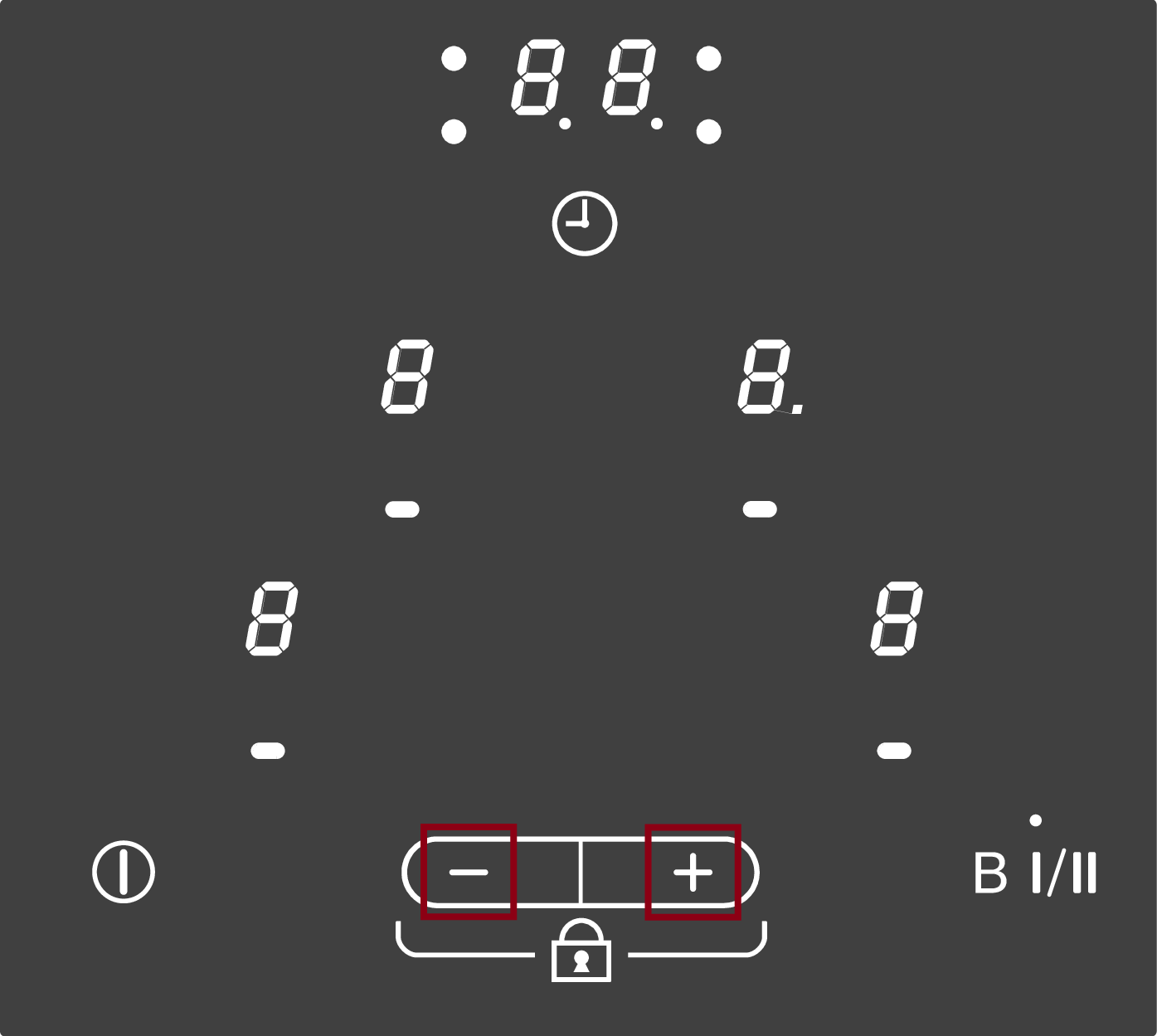
  • Touch the + and - sensor controls at the same time until L goes out from the front left and C goes out from the front right cooking zone display and a tone sounds.
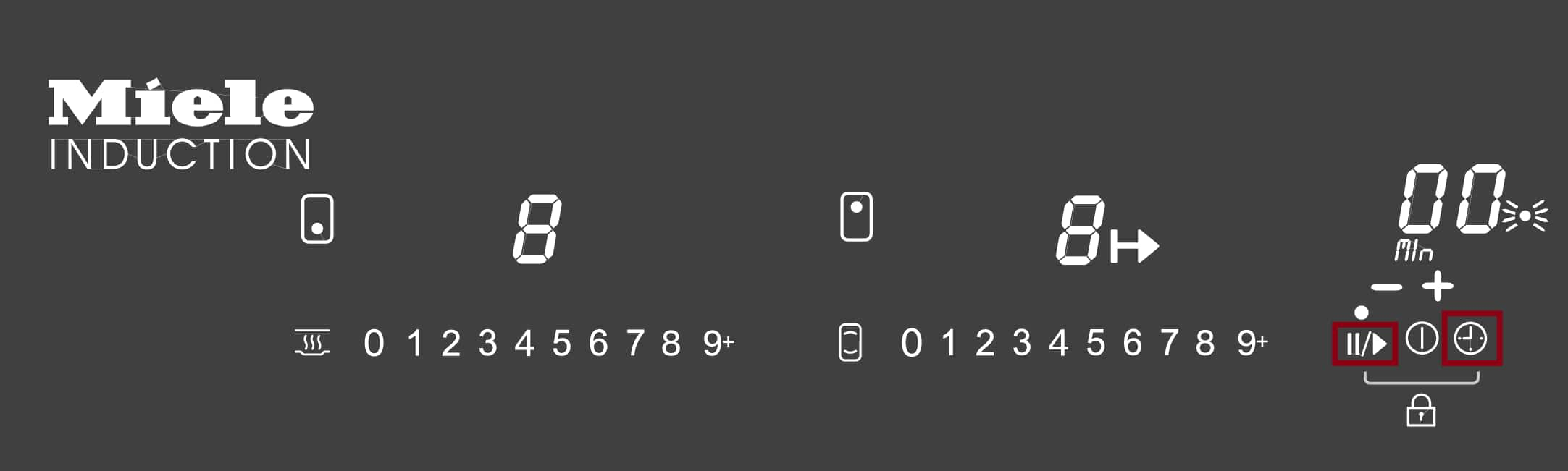
  • Switch the hob on . Touch the and sensor controls at the same time until LC goes out in the timer display.

  • Turn the rotary controls for both front cooking zones anti-clockwise to the point of resistance at the same time and hold the rotary controls in this position until LC goes out.
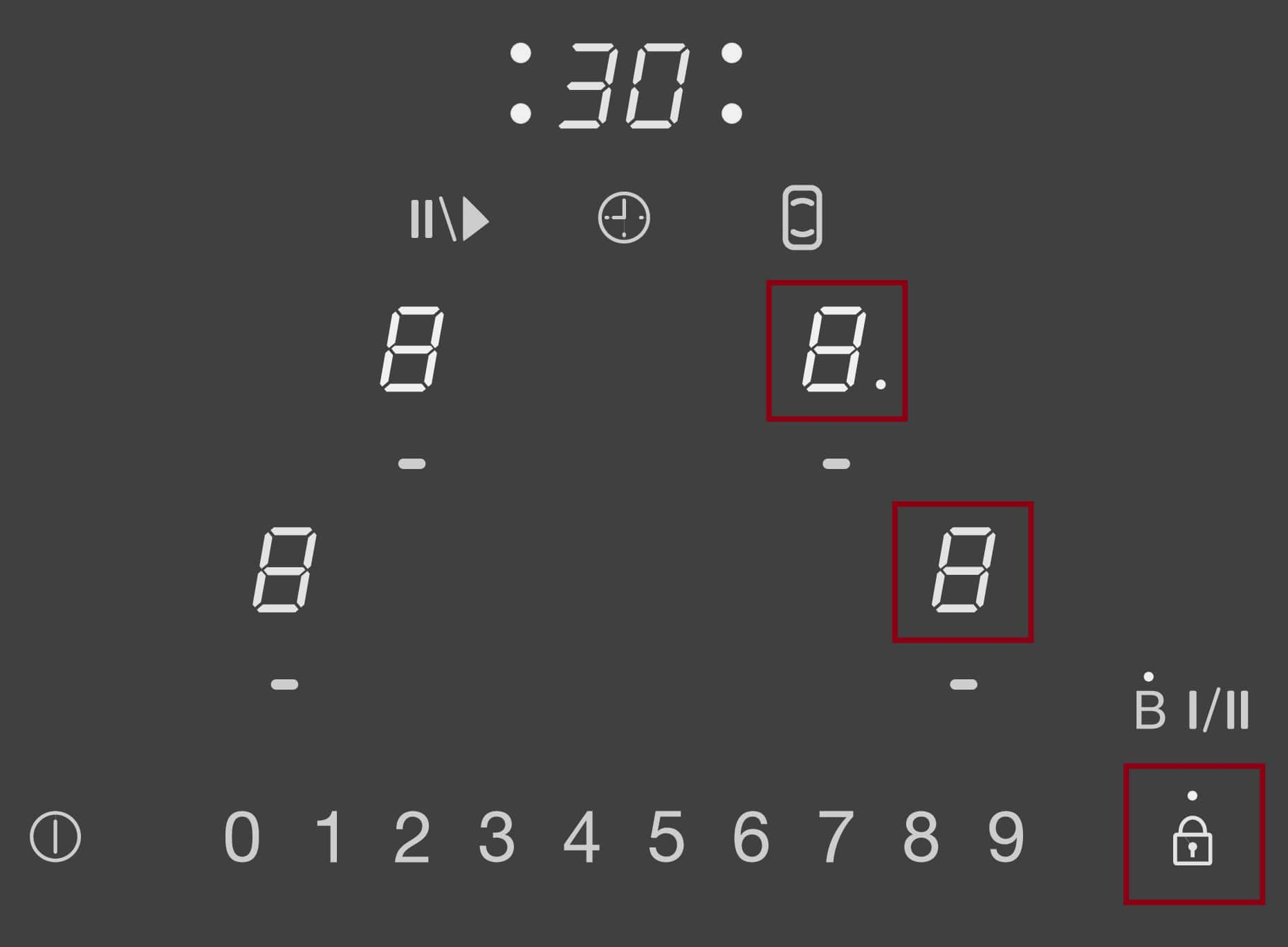
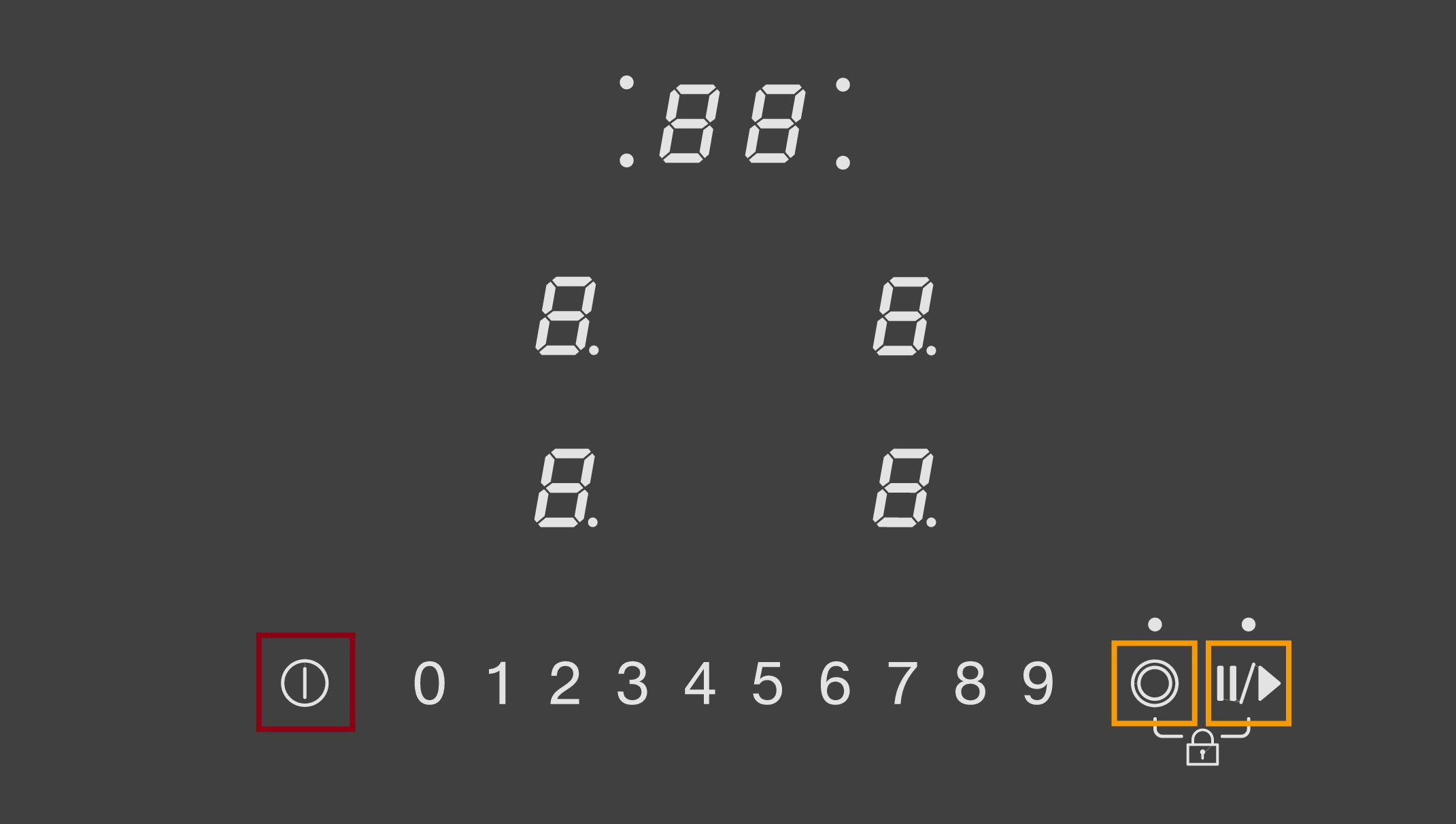
  • Touch the  sensor control and the sensor controls for both right cooking zones until LC appears in the timer display and the indicator light for the safety lock goes out.
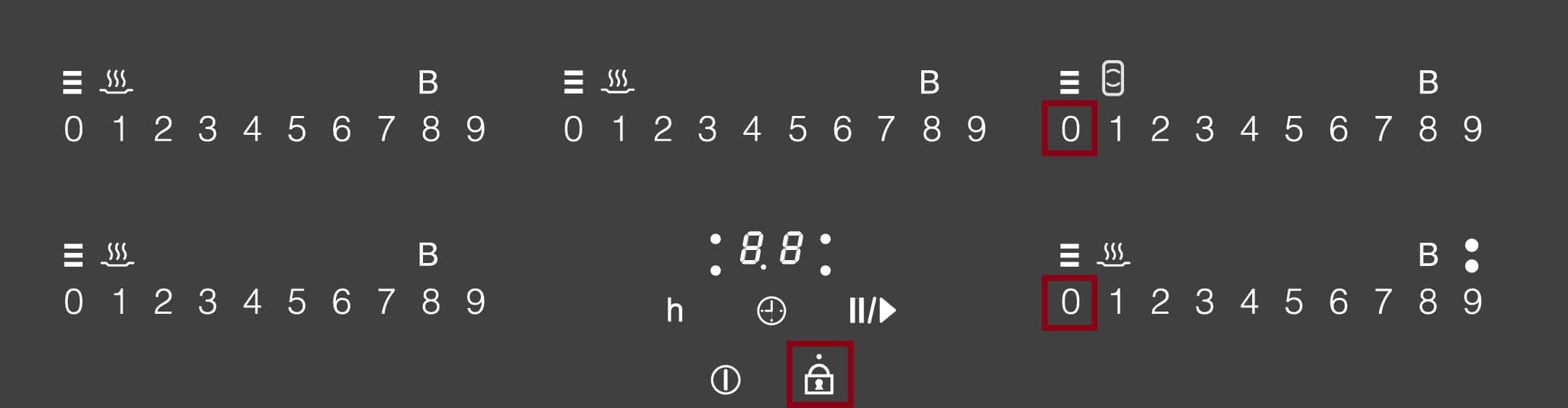
  • Touch the  sensor control and the  sensor controls for both right cooking zones until LC appears in the timer display and the indicator light for the safety lock goes out.
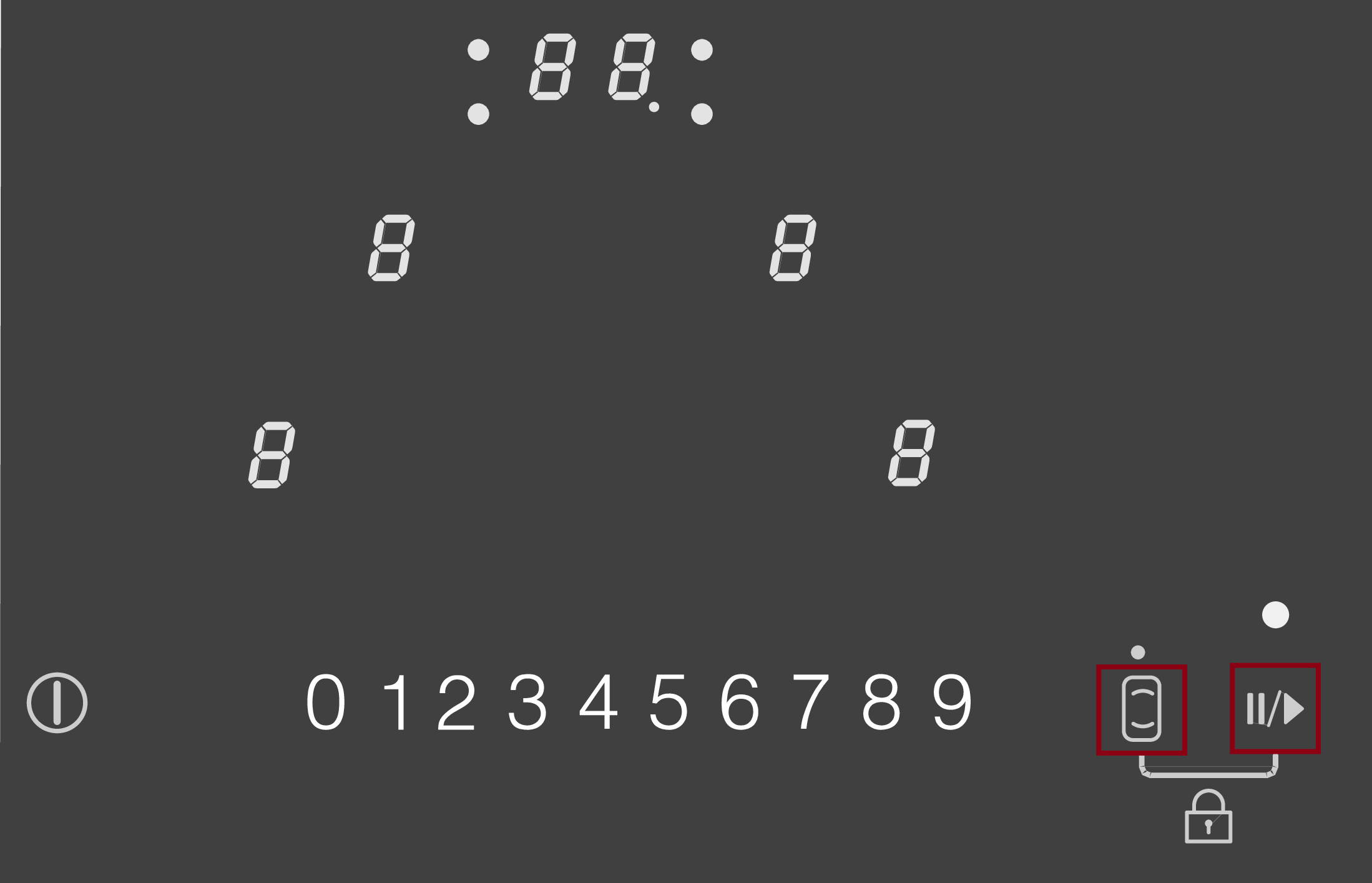
  • Touch the  and  sensor controls at the same time until LC goes out in the timer display.
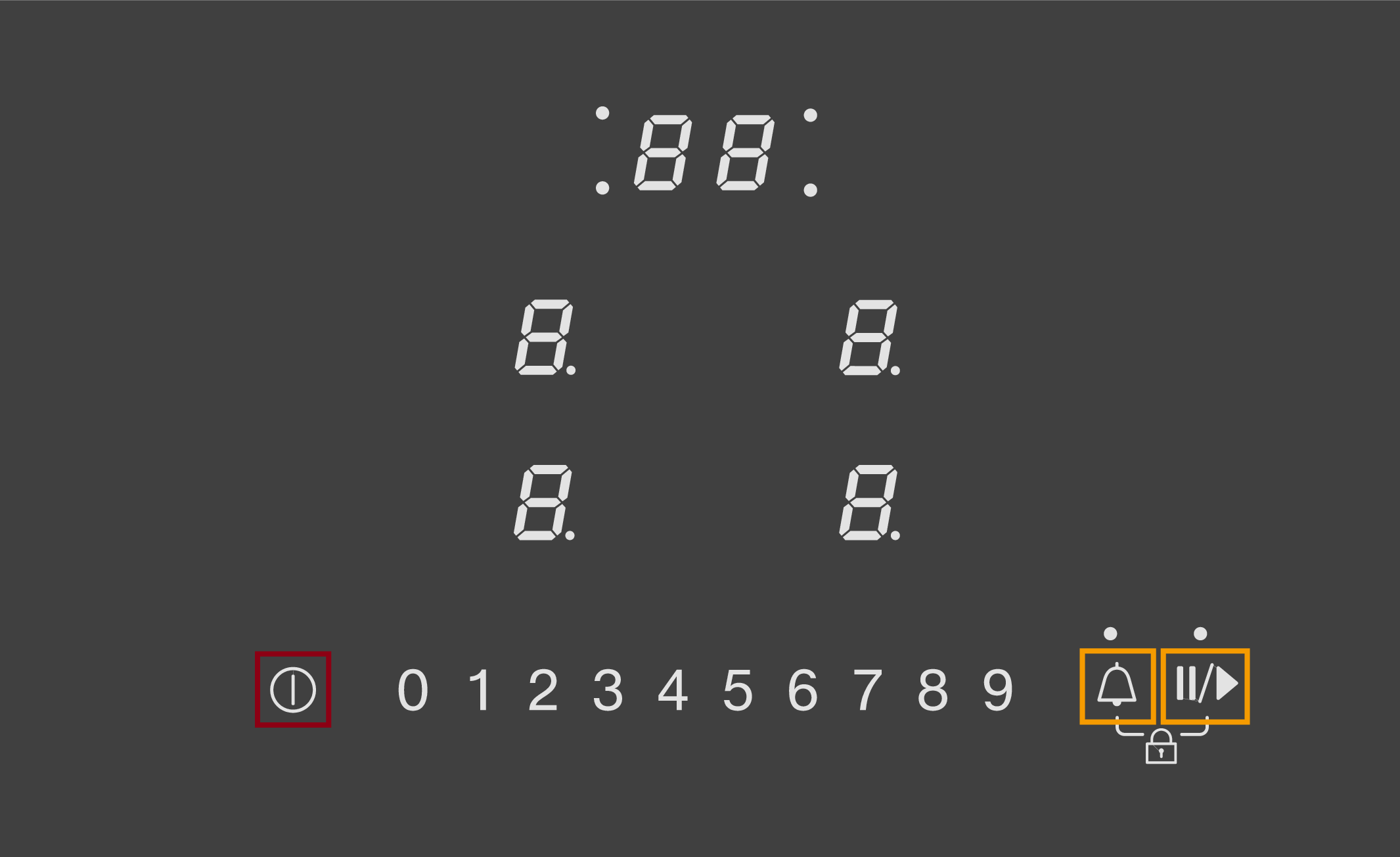
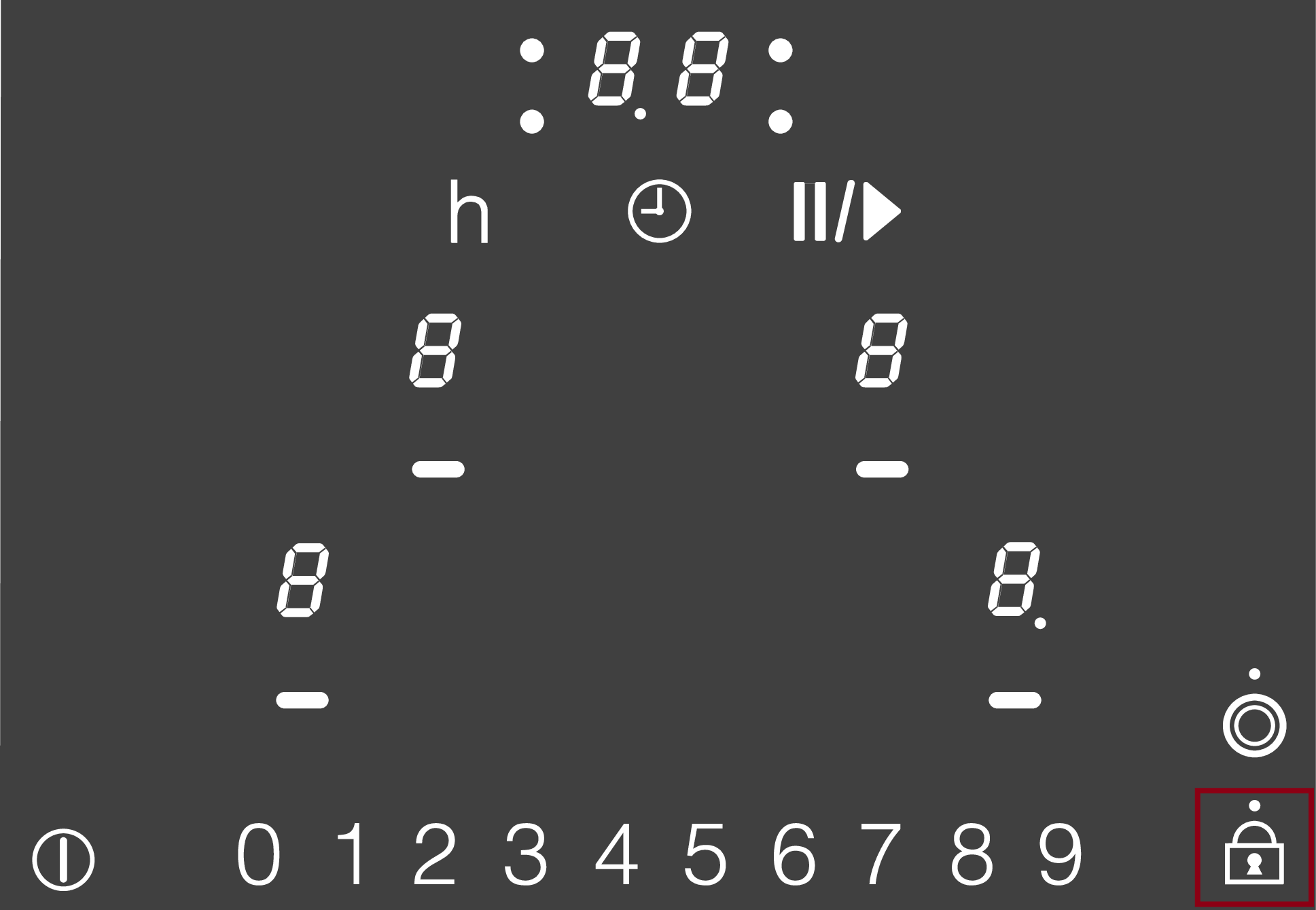
  • System lock: Touch the  sensor control for 6 seconds.

  • Safety lock: Touch the and sensor controls at the same time for 6 seconds.

  • LC will appear briefly in the timer display and then the seconds will count down. After the seconds have counted down, the system lock/safety lock is deactivated.
The system lock/safety lock is activated. (Electric hobs)

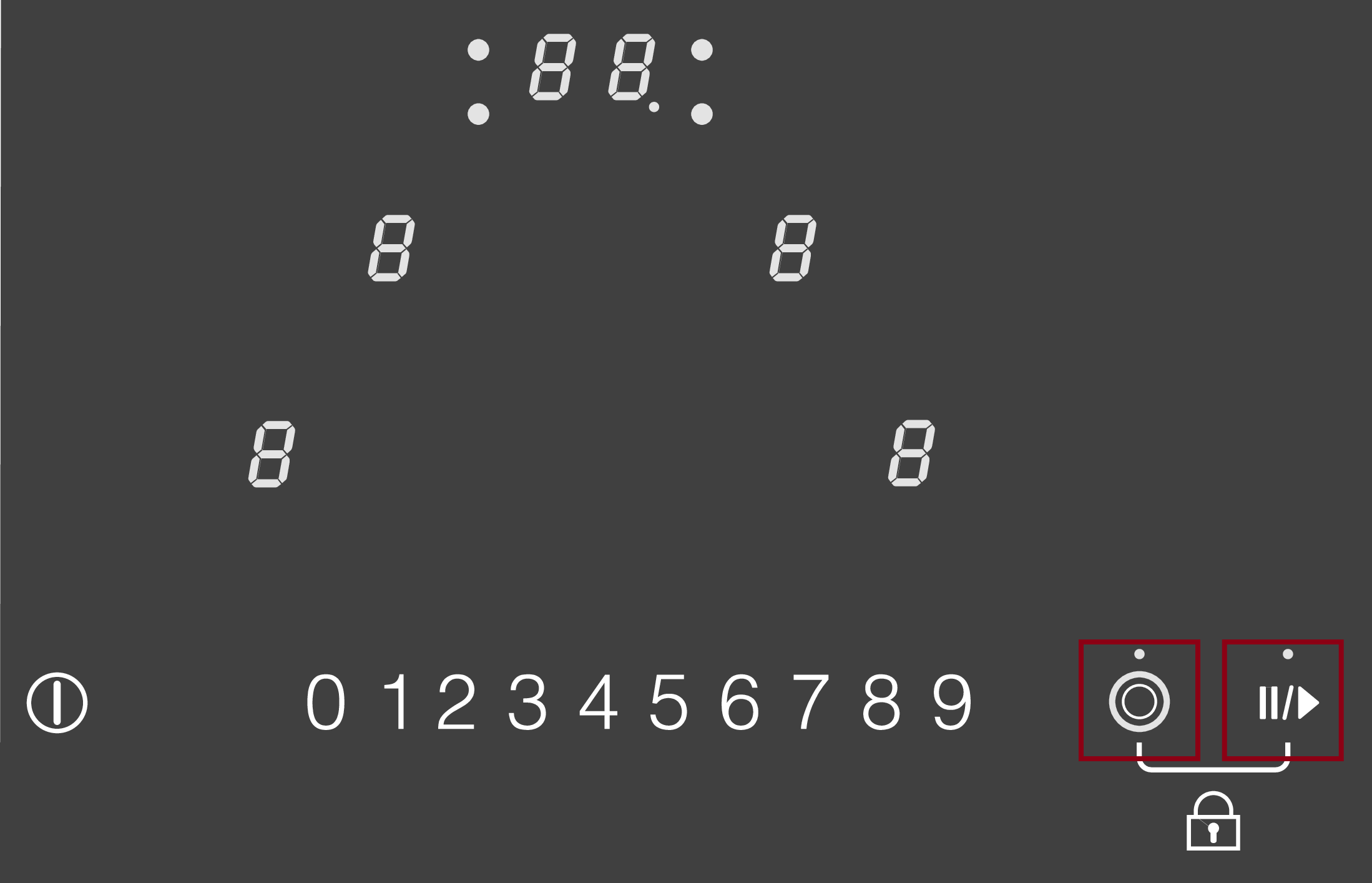
Depending on the control elements of your hob, there are different ways to deactivate the system lock/safety lock. Refer to the operating instructions for your hob or deactivate the system lock/safety lock using one of the following sensor control combinations:

  • Touch the  sensor control until LC goes out in the timer display and the safety lock indicator light goes out.

  • Touch the  and  sensor controls at the same time until LC goes out in the timer display.

  • System lock: Touch the  sensor control for 6 seconds.

  • Safety lock: Touch the and sensor controls at the same time for 6 seconds.

  • LC will appear briefly in the timer display and then the seconds will count down. After the seconds have counted down, the system lock/safety lock is deactivated.
The system lock is activated. (Gas hobs)

Deactivate the system lock/safety lock using one of the following sensor control combinations:

  • Touch the + and - sensor controls until LC goes out in the time display and a tone sounds.

Everything that fits your appliance

View spare parts, accessories, and cleaning products for your model in My Appliances, as well as operating instructions and installation guides

Go to My Appliances
customerAssistanceLinkToApplianceSupportTitle
Operating Instructions finder

Operating Instructions finder

Here you will find the operating instructions for your Miele appliances
Find your manual
Book a technician

Book a technician

We are happy to take your repair booking online or by telephone
Plan a visit
Contact us

Contact us

Visit our Contact us page to see the different ways you can speak to us.
Contact us