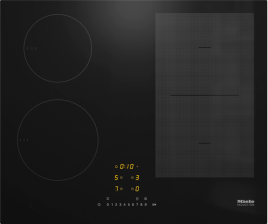
The system lock/safety lock is activated.
Depending on the control elements of your hob, there are different ways to deactivate the system lock/safety lock. Refer to the operating instructions for your hob or, depending on the control elements, deactivate the system lock/safety lock using one of the following sensor control combinations:
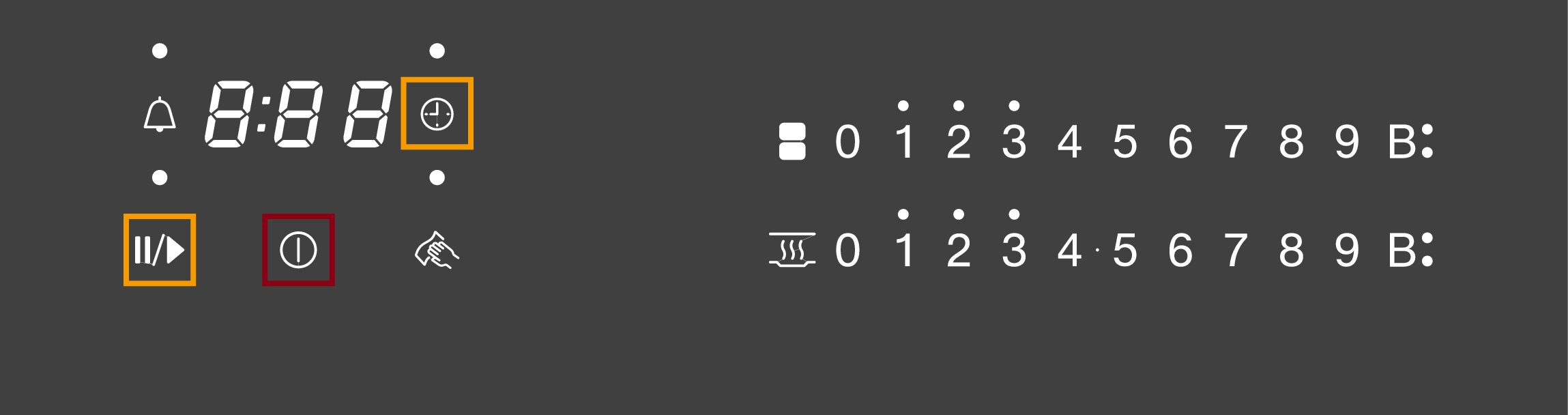
System lock: Touch the sensor control for 6 seconds.
Safety lock: Touch the and sensor controls at the same time for 6 seconds.
LOC will appear briefly in the timer display and then the seconds will count down. After the seconds have counted down, the system lock/safety lock is deactivated.
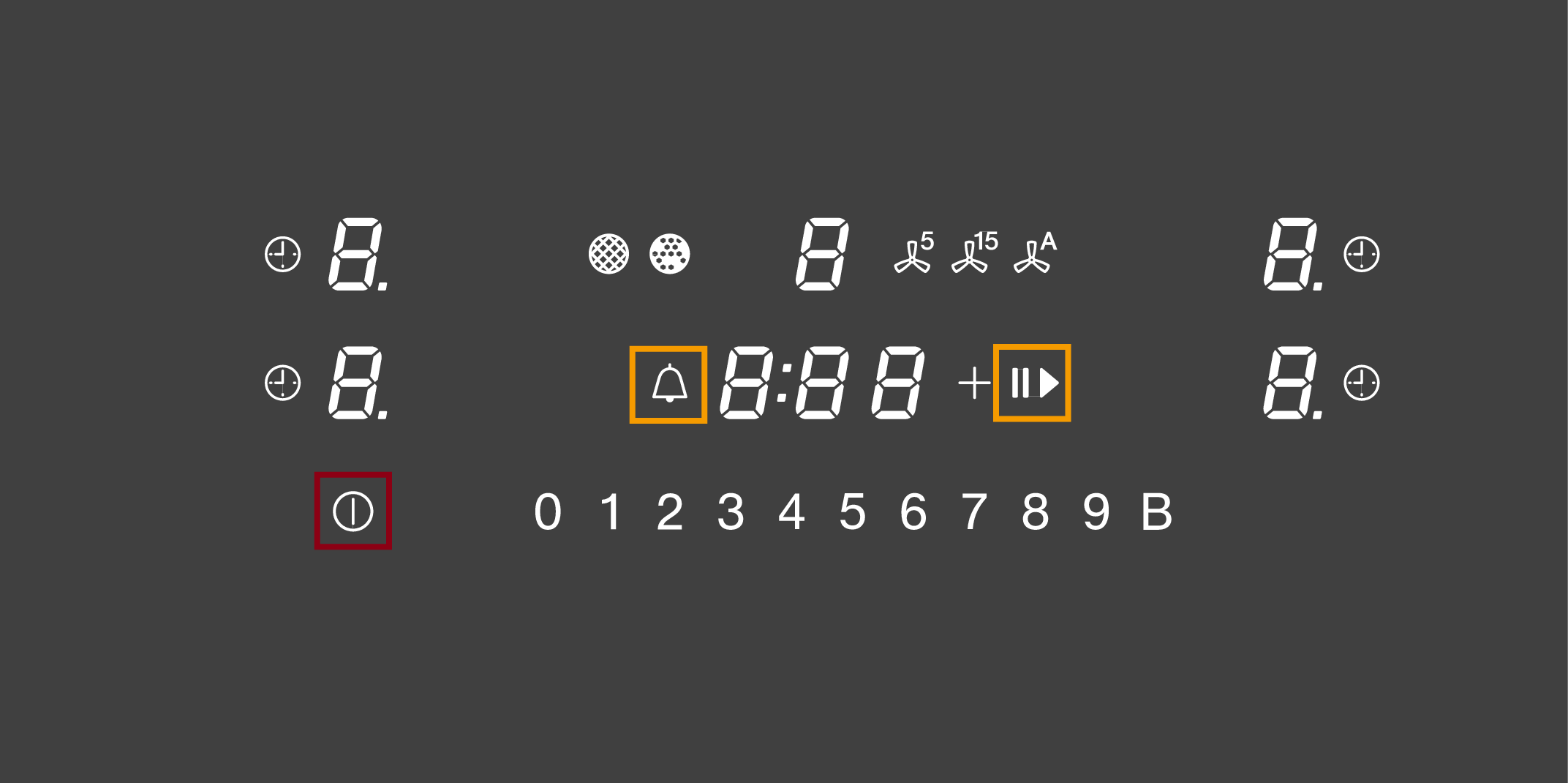
System lock: Touch the sensor control for 6 seconds.
Safety lock: Touch the and sensor controls at the same time for 6 seconds.
LOC will appear briefly in the timer display and then the seconds will count down. After the seconds have counted down, the system lock/safety lock is deactivated.
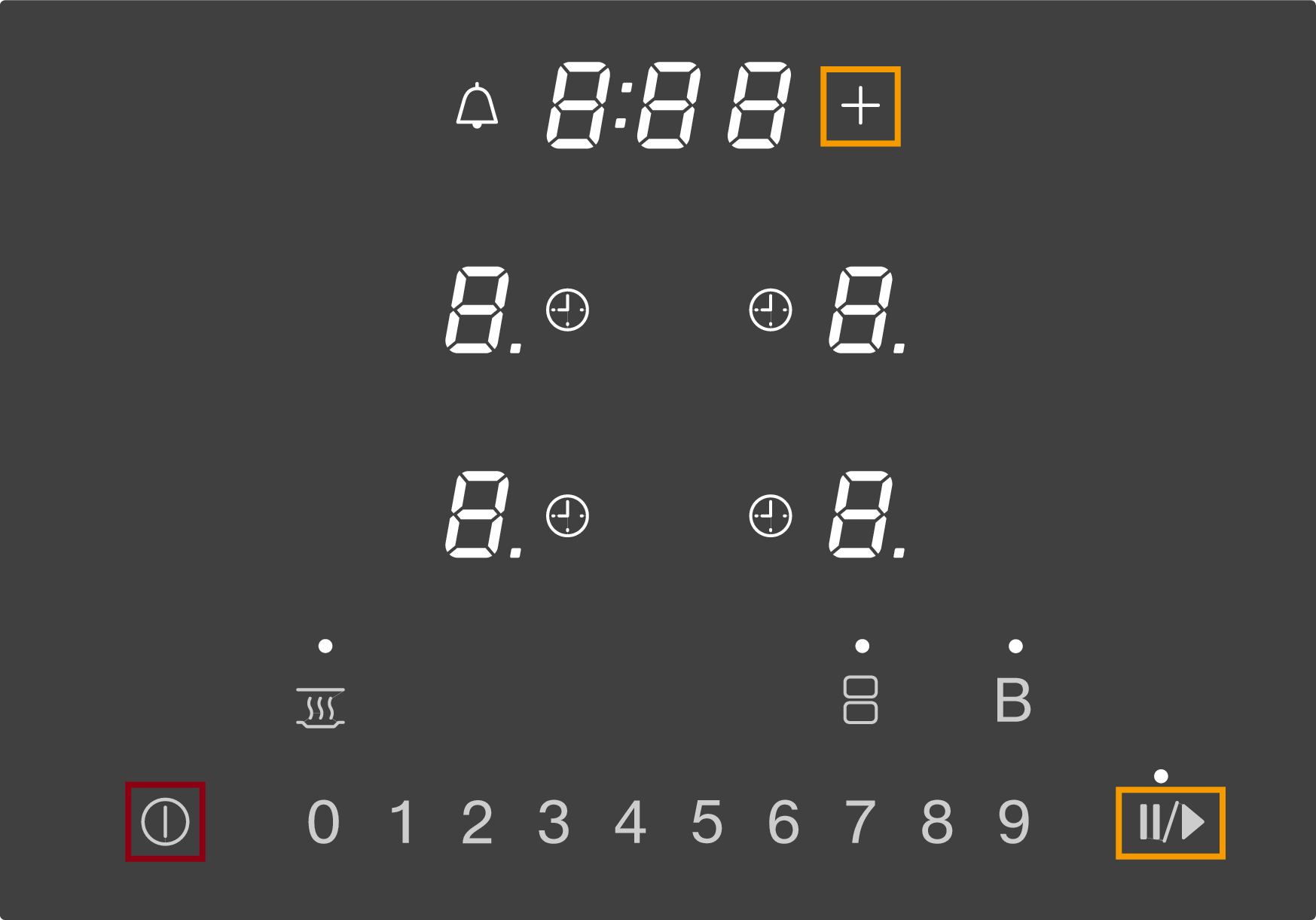
System lock: Touch the sensor control for 6 seconds.
Safety lock: Touch the + and sensor controls at the same time for 6 seconds.
LOC will appear briefly in the timer display and then the seconds will count down. After the seconds have counted down, the system lock/safety lock is deactivated.
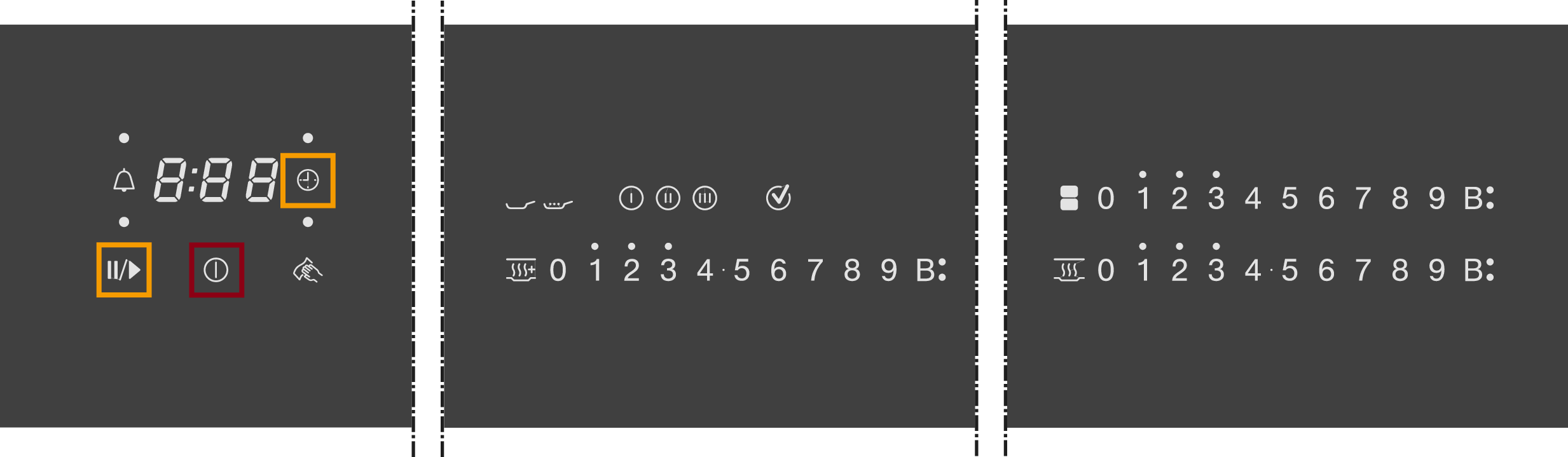
System lock: Touch the sensor control for 6 seconds.
Safety lock: Touch the and sensor controls at the same time for 6 seconds.
LOC will appear briefly in the timer display and then the seconds will count down. After the seconds have counted down, the system lock/safety lock is deactivated.
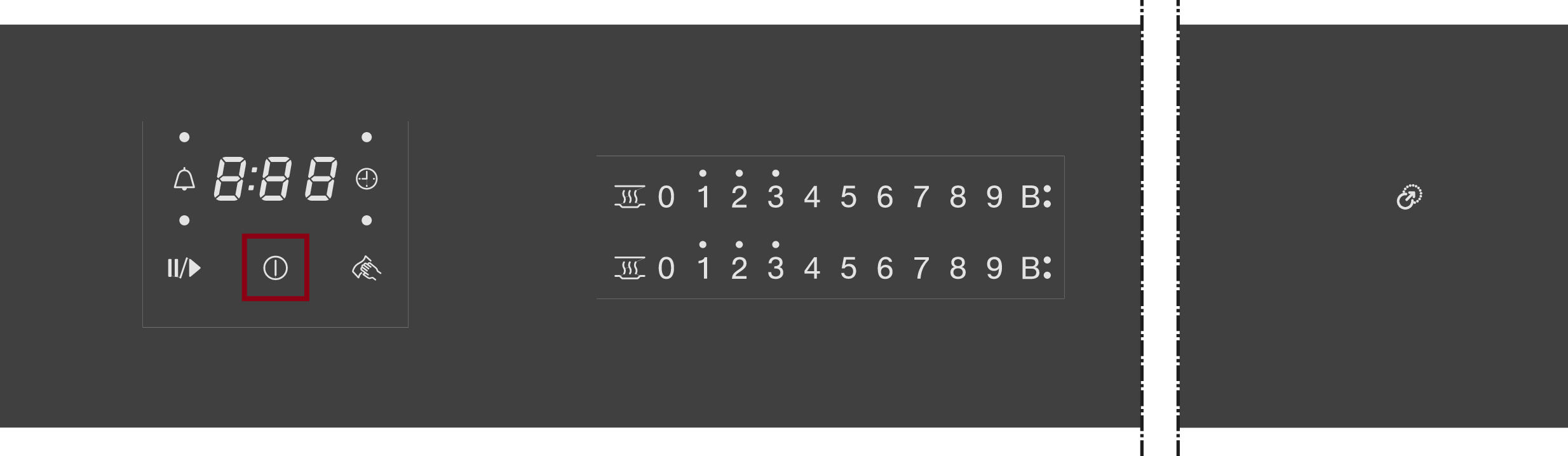
System lock: Touch the sensor control for 6 seconds.
Safety lock: Touch the sensor control for 6 seconds.
LOC will appear briefly in the timer display and then the seconds will count down. After the seconds have counted down, the system lock/safety lock is deactivated.