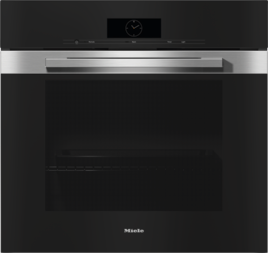
How do I select AirFry on the oven? (H 2xxx)
H 2xxx oven after the “New AirFry operating mode” RemoteUpdate:
After the RemoteUpdate, you will find the new AirFry operating mode as a sub-menu under Booster .
Turn the operating mode selector to the Booster operating mode.
The Booster operating mode is displayed with a tick.
Turn the rotary control (arrows) until the AirFry operating mode is displayed.
Confirm your selection with OK.
The recommended temperature of 190 °C will appear. You can change the recommended temperature in a range of 30–250 °C.
H 2xxx oven delivered with AirFry operating mode:
You will find the AirFry operating mode as a sub-menu under More .
Select More with the operating mode selector.
Turn the rotary control (arrows) until the AirFry operating mode is displayed.
Confirm your selection with OK.
The recommended temperature of 190 °C will appear. You can change the recommended temperature in a range of 30–250 °C.
Consult the operating instructions for further information.


