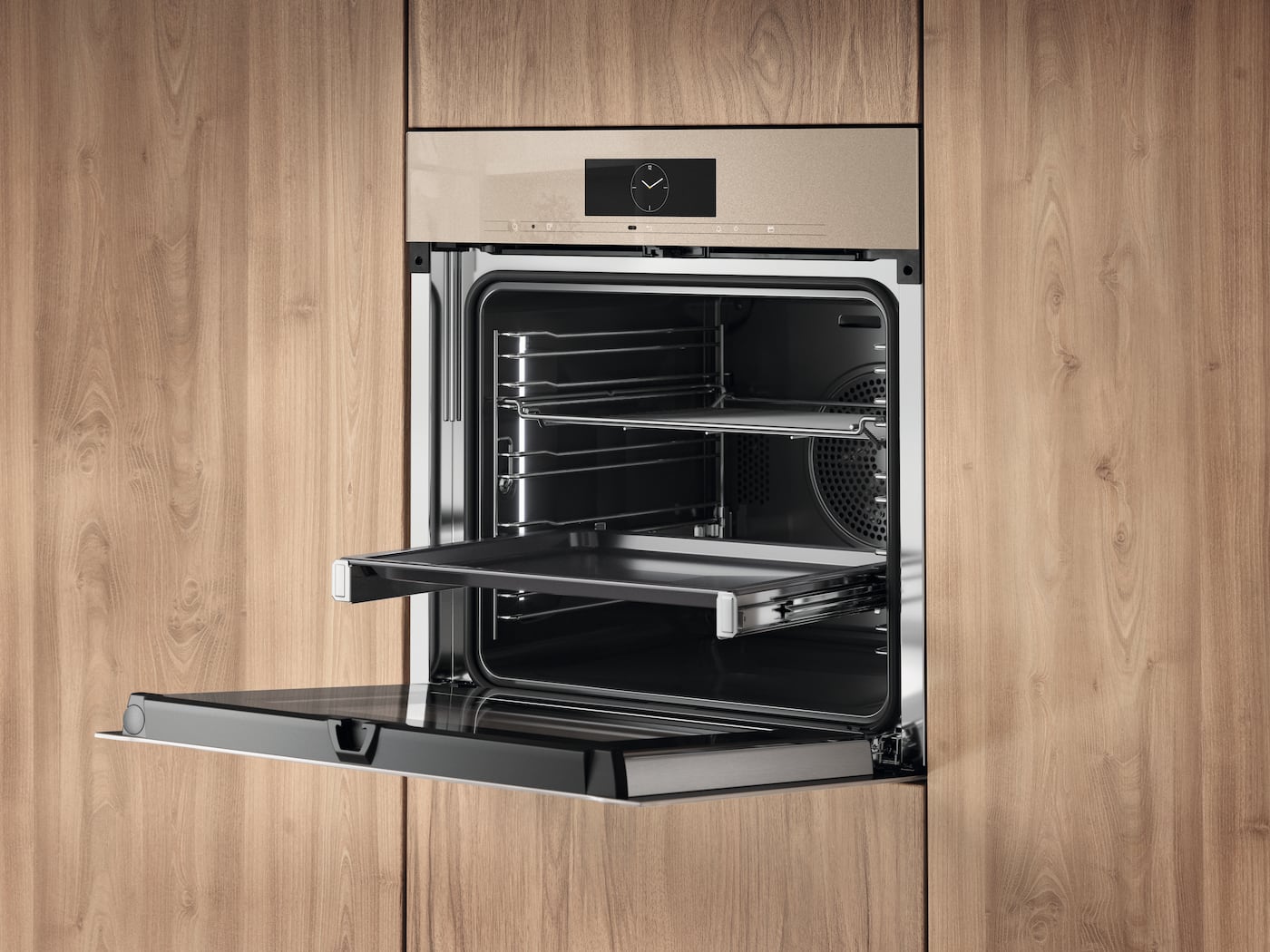
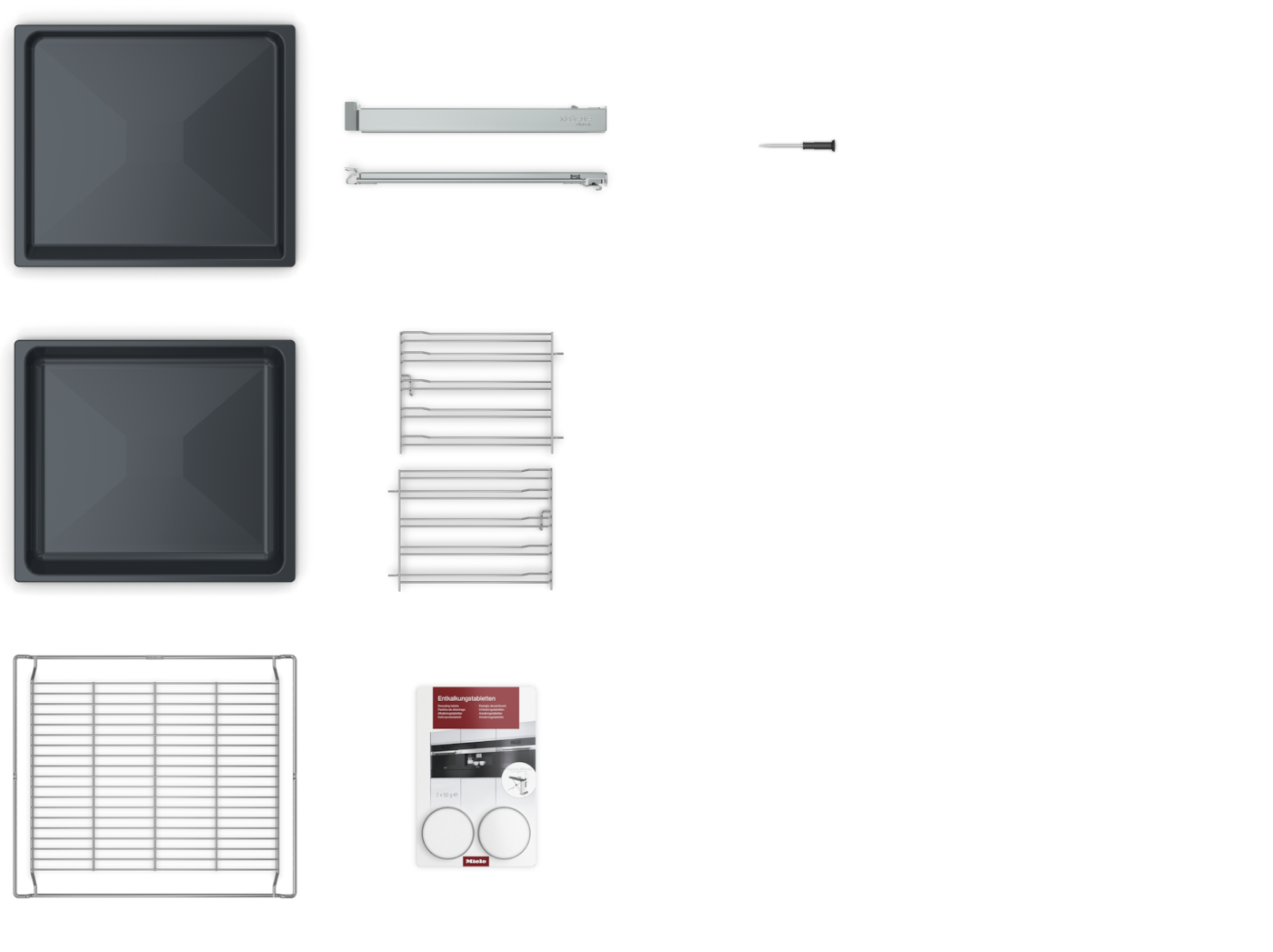
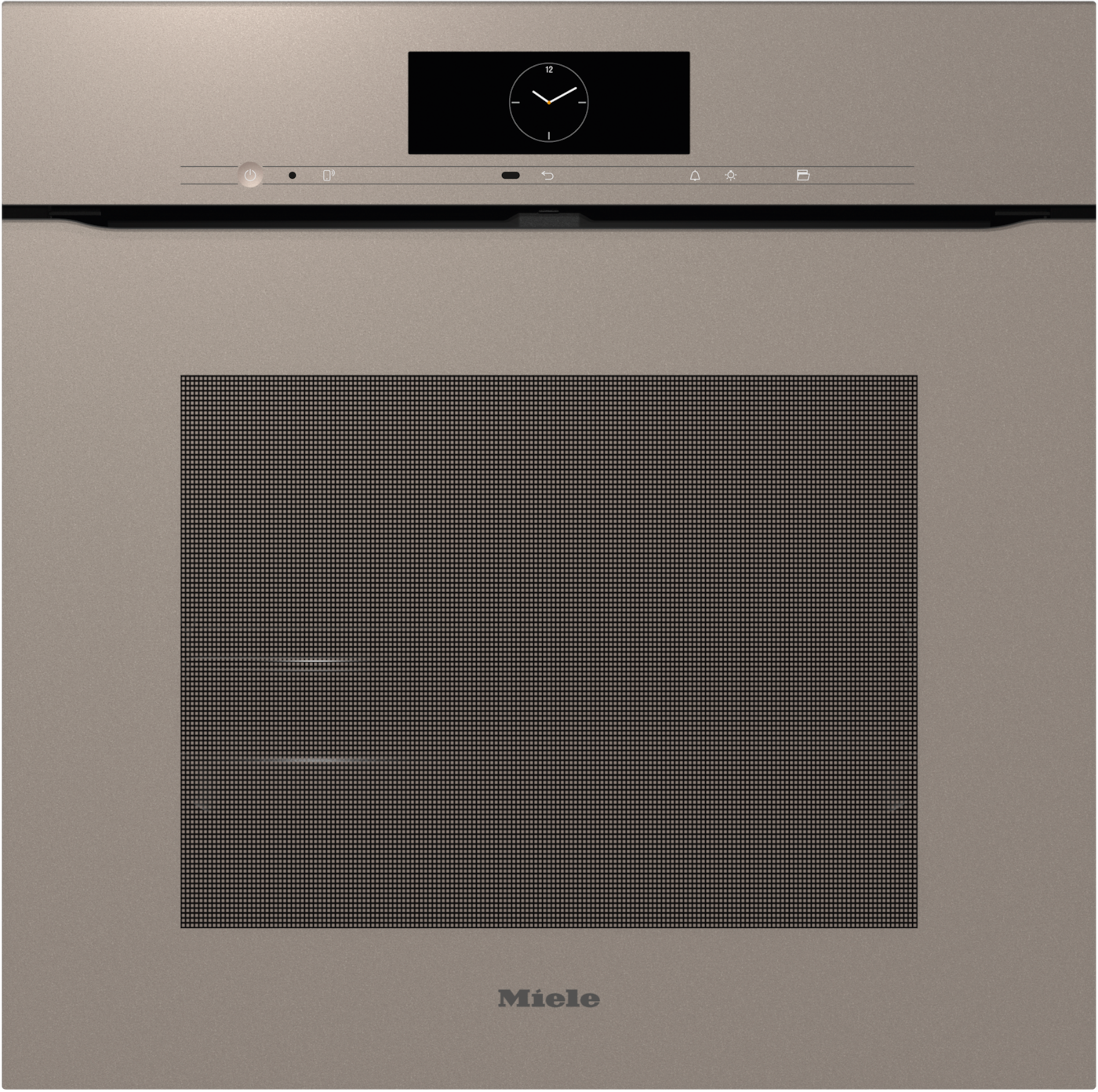
Boundless elegance meets perfect convenience: control your appliance quickly and intuitively by touching or swiping the extra large, full touch screen. Text and symbols are always clearly visible. New: colours can be switched to a version that is not so bright – ideal if you are using a white appliance.
MotionReact
Responds on approach: oven lighting or display comes on, buzzers switch off and furniture fronts are detected.
Always keep an eye on what’s cooking. Smart, innovative solutions using the integrated camera inside the oven.
This is a separate digital offer from Miele & Cie. KG. The range of functions can vary depending on the model and the country. Acceptance of the Terms and Conditions and Privacy Policy for Miele digital products and services in the Miele App required. Miele reserves the right to change or discontinue the digital offer at any time.
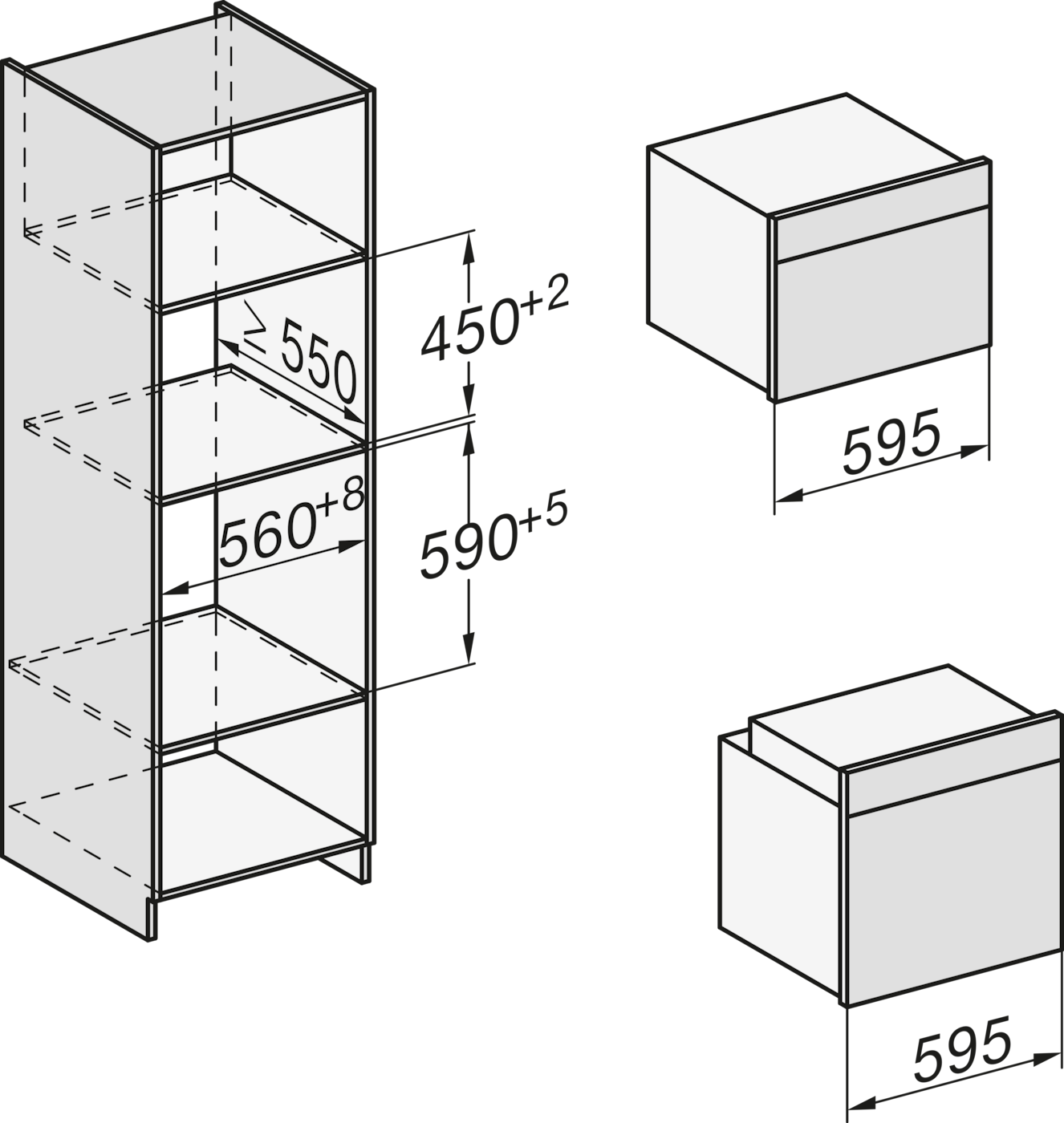
Whether you want to replace a household appliance or planning a kitchen - here you will find all the relevant installation diagrams for your Miele appliance.
If you want to download an installation diagram, please click on the appropriate image and the high-resolution version is displayed. To download, click the right mouse button and save the image on your computer.
Please note that the installation and maintenance of our equipment should only be performed by a licensed contractor. For questions, please call us and we will advise you without any obligation!
Descriptions
Installation H7000 BM XL, installation drawings
Descriptions
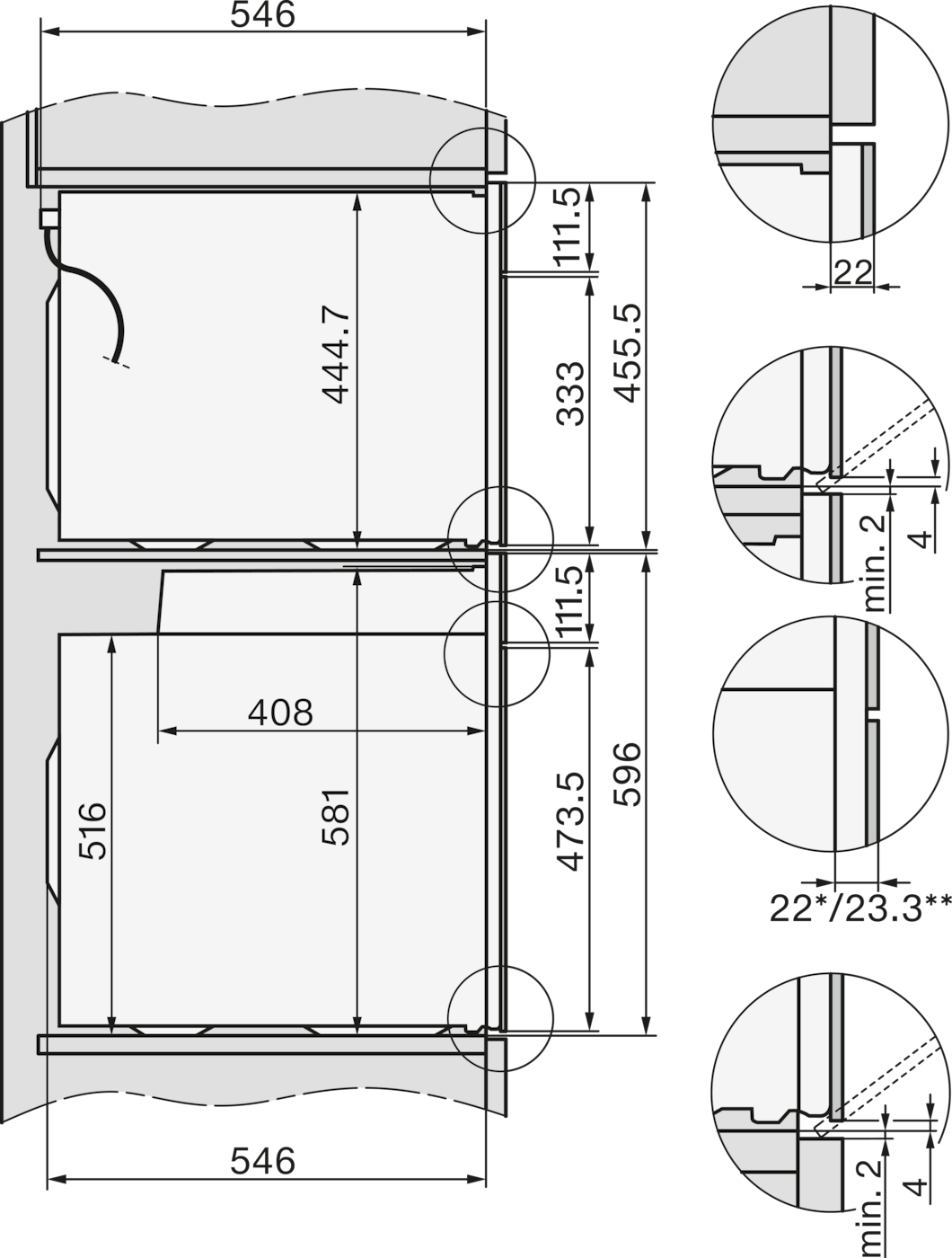
22 mm - glass, 23,3 mm - metal
Side view Kombi BM XL, installation drawings
Descriptions
22 mm - glass, 23,3 mm - metal
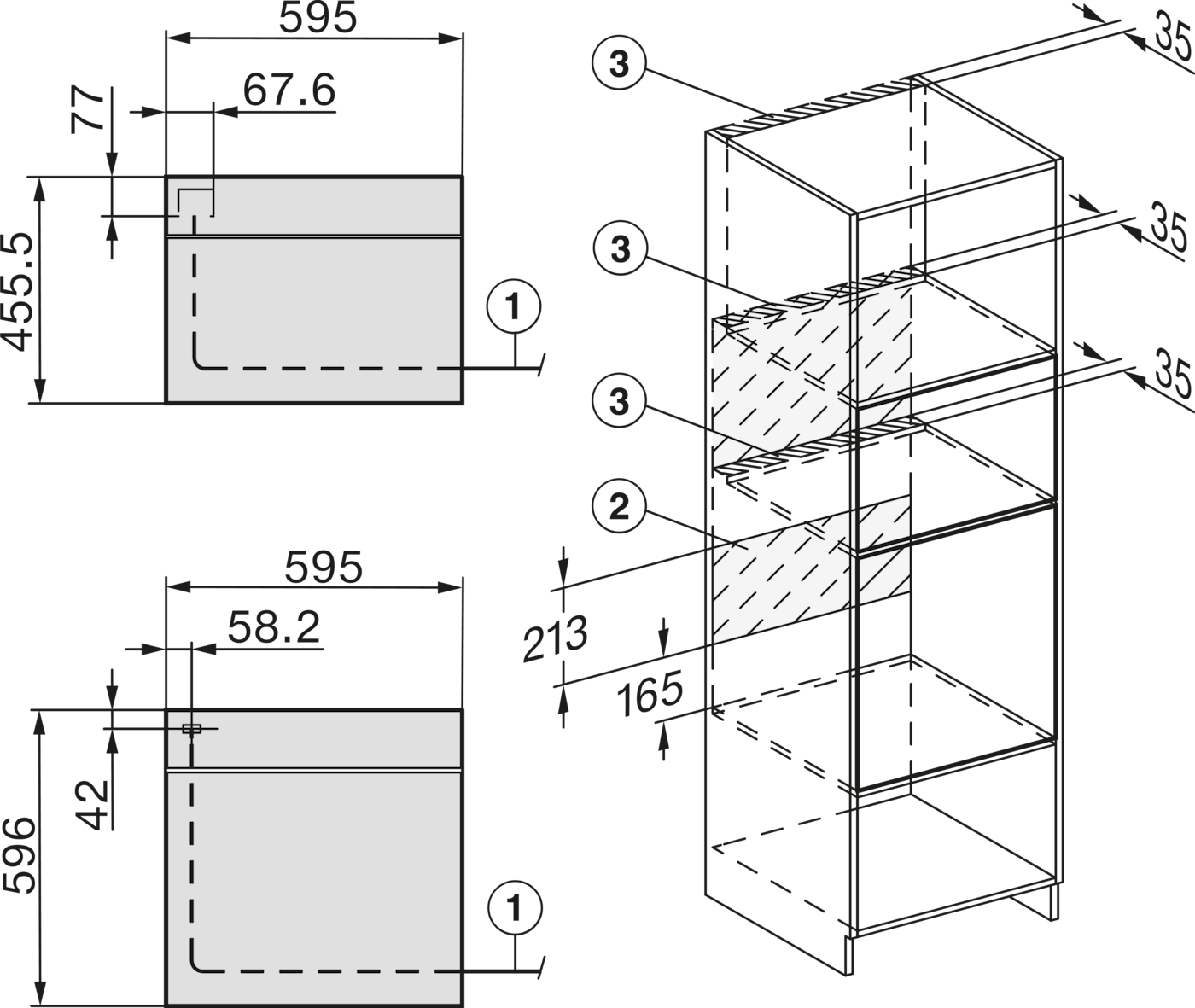
Installation Kombi BM XL, installation drawings
Images serve as examples to illustrate the product benefit. Actual feature may vary per model.
Subject to technical changes; no liability accepted for the accuracy of the information given!